Create Better Content Faster with Canva
Learn Canva confidently with beginner tutorials, practical video walkthroughs, AI Magic Studio guides, design resources, template recommendations, and marketing tips created for bloggers, affiliate marketers, entrepreneurs, and content creators.
✓ Beginner Friendly ✓ Practical Tutorials ✓ Updated for 2026
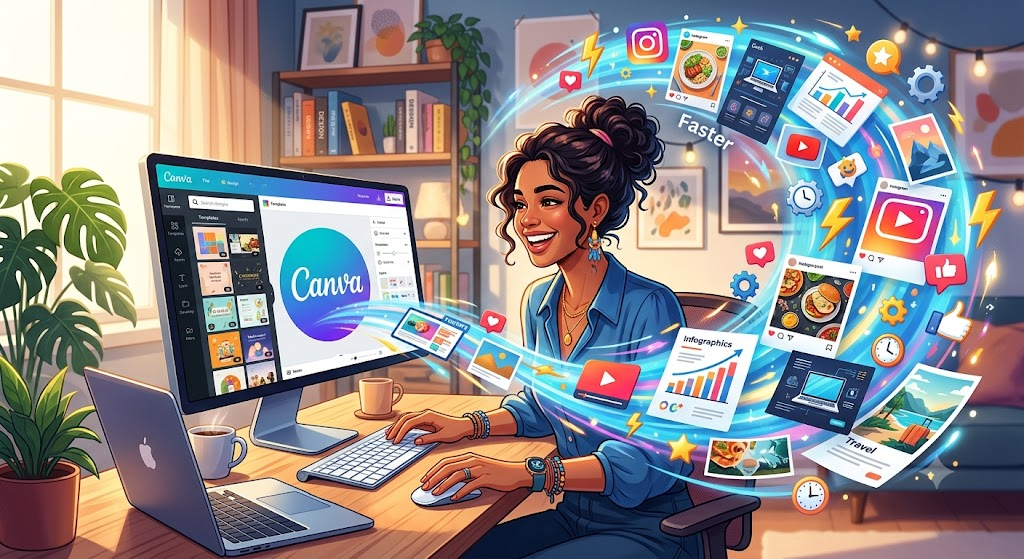
Your One-Stop Canva Learning Hub
Whether you are opening Canva for the first time or improving an established content workflow, this resource center brings together step-by-step guidance, honest product insights, and practical design inspiration.
Beginner Tutorials
Learn the Canva essentials from your very first design to confidently create graphics for blogs, social media, presentations, and more.
Video Walkthroughs
Follow practical, step-by-step demonstrations that show exactly how to create professional Canva designs from start to finish.
Canva Pro Reviews
Explore Canva Pro features, pricing, comparisons, and recommendations to help you decide if Canva Pro is right for your workflow.
Free Design Resources
Discover free fonts, icons, mockups, color palettes, and downloadable resources to enhance every design project.
Template Recommendations
Find professionally designed templates for blogs, Pinterest, YouTube, presentations, social media, and marketing materials.
AI Magic Studio Guides
Learn how Canva's AI-powered tools can generate images, write content, remove backgrounds, and speed up your creative process.
Affiliate Marketing Design Tips
Create eye-catching comparison graphics, lead magnets, promotional banners, and social media visuals that support your affiliate marketing.
Social Media Design Tutorials
Design engaging graphics for Facebook, Instagram, Pinterest, LinkedIn, X, and YouTube using Canva's powerful design tools.
Beginner Tutorials
Start with the essentials.
How to Create Your First Canva Design
A beginner-friendly walkthrough of choosing a template, editing text, adding images, and exporting your work.
How to Build a Simple Brand Kit
Organize your colors, fonts, logos, and visual style so every design feels consistent.
How to Create a Lead Magnet in Canva
Turn your knowledge into a polished checklist, workbook, guide, or mini ebook.
Video Walkthroughs
Add your YouTube, Vimeo, or self-hosted Canva tutorials here. Video makes complex design workflows easier for beginners to follow.

Canva Pro Reviews & Comparisons
Canva Free vs Canva Pro
Explain the key differences in features, storage, brand tools, premium assets, AI features, team collaboration, and export options.
Who Is Canva Pro Best For?
Discuss use cases for bloggers, affiliate marketers, small businesses, educators, content creators, and teams.
Our Verdict
Add an honest, balanced conclusion based on your own experience and your audience’s needs.
Free Design Resources
- Free stock photo collections
- Color palette generators
- Font pairing guides
- Free icons and illustrations
- Mockup and background resources
Recommended Canva Templates
- Pinterest pin templates
- Lead magnet and ebook templates
- Blog graphics and featured images
- Social media carousel templates
- Presentation and course templates
AI Magic Studio Guides
Help readers use Canva’s AI-powered tools responsibly and efficiently. Create individual guides for generating design ideas, rewriting copy, editing images, resizing creative assets, and repurposing content.
- Generate first-draft design concepts
- Transform and repurpose existing content
- Edit and improve images faster
- Create multiple social media formats
Affiliate Marketing Design Tips
Teach readers how to create attractive, trustworthy, conversion-focused visual assets without making exaggerated claims.
- CTA graphics and comparison tables
- Bonus pack covers and mockups
- Product review featured images
- Email and landing-page graphics
- Pinterest promotional pins
Social Media Design Tutorials
Create a dedicated tutorial library for branded content across major platforms.
- Facebook and Instagram posts
- Pinterest pins
- LinkedIn carousels
- YouTube thumbnails
- Reels, Shorts, and story covers
Get Practical Canva Tips from Skilswave
Receive beginner-friendly Canva tutorials, template ideas, affiliate marketing design tips, and new resource updates.
Frequently Asked Questions
Ready to Create with Canva?
Start with the free plan, explore the tutorials, and upgrade to Canva Pro when its premium features match your needs.
Replace all placeholder links, images, video URLs, pricing text, and the Fluent Forms shortcode before publishing.