
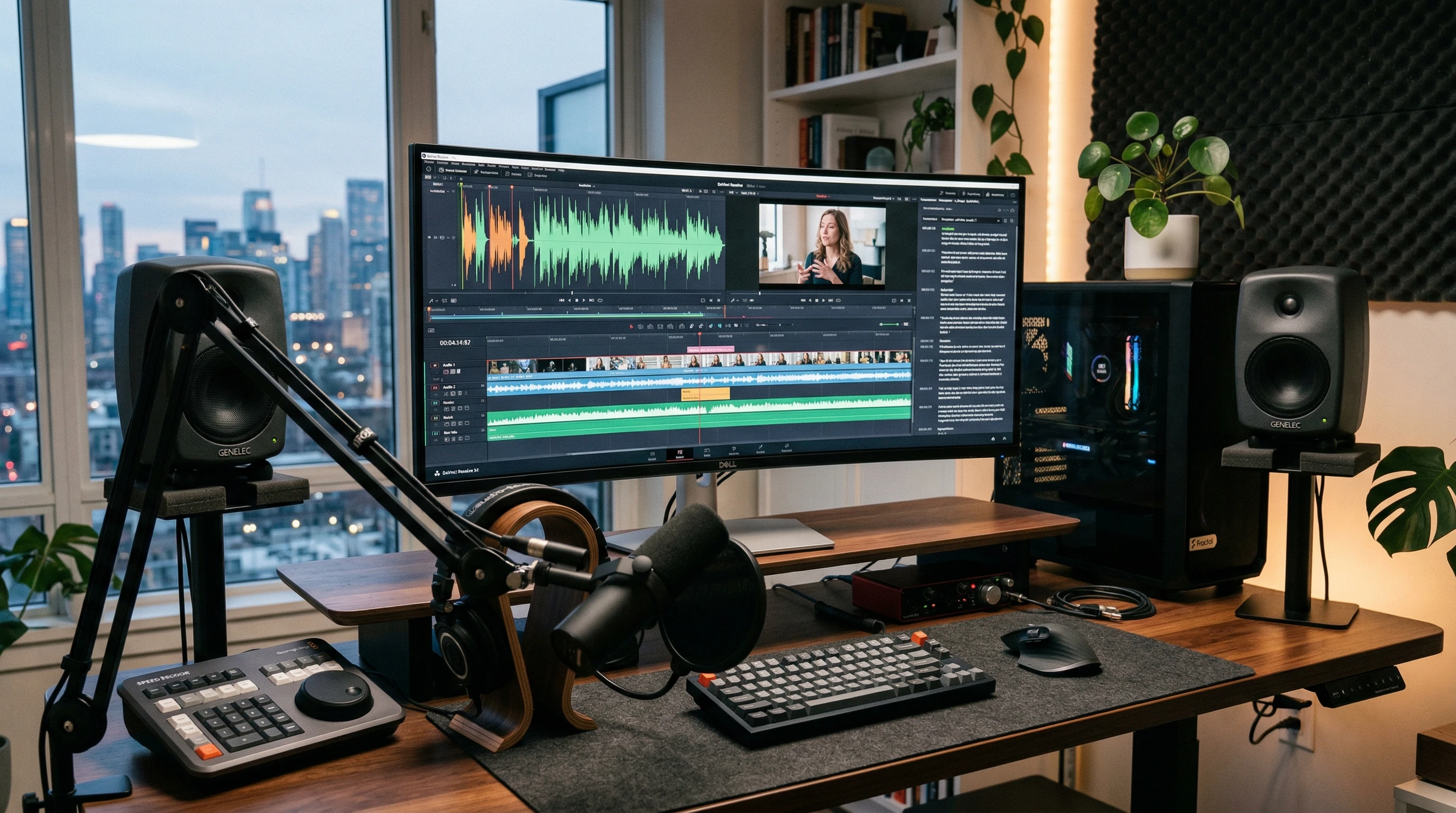
 If you’ve ever tried editing audio or video and felt like you’re drowning in a sea of tracks, cuts, and complicated timelines, you’re not the only one. When I first tried making a podcast, I spent hours just removing awkward pauses and “ums.” Let’s just say, manual editing can be a pretty daunting process, especially if you’re not a trained audio engineer or video pro.
My workflow changed for the better once I stumbled upon Descript. This tool takes a lot of the pain out of editing, whether you’re working on podcasts, YouTube videos, interviews, or anything else with audio or video. I’ve gone from dreading the edit button to actually getting excited to finish projects faster and cleaner than I thought possible.
Why Most People Get Stuck With Traditional Editing Software (and How Descript Fixes It)
It’s really common to lose hours with oldschool editing tools. Most folks hit a wall because:
- They struggle with learning complicated interfaces just to make basic edits
- Cutting filler words or mistakes is slow and hard to get perfect
- Manual transcriptions drain time and energy
- Collaboration is clunky, swapping big files and tracking changes is tedious
Descript turns these issues upside down by letting you edit audio and video like you’re working with a text doc. You can remove a word, and it vanishes from the media. It feels a lot more natural, especially for anyone who writes or edits documents regularly.
What is Descript?
Descript is an AI powered platform for editing audio and video. Unlike most editors that focus on tracks and waveforms, Descript works by automatically transcribing your files. Once transcribed, you can literally delete, move, or change media by just editing the text transcript.
Here’s a quick breakdown of what Descript brings to the table:
- Text-Based Editing: Quickly remove mistakes, repeat words, or even swap sentences by changing the transcript.
- Automatic Transcription: Drop in your file and get a transcript within minutes, ready for editing or subtitles.
- AI Voice & Overdub: If you flub a line or want to add a sentence, Descript can clone your voice (with permission) or use synthetic voices for quick pickups.
- Screen Recorder: Record your screen or webcam directly and edit the result just like any other project.
- Collaboration Tools: Share projects with others, leave comments, and track edits without messy back and forths.
- Multitrack Support: Manage multiple speakers or video tracks in the same, easy to navigate interface.
Another handy part is its automatic subtitle generator. This means you can create captions for your videos without any extra software, saving both time and money when publishing content to platforms like YouTube or Instagram. There’s also a library of stock music and sound effects that you can add with just a click, letting you finish your project with pro touches even if you aren’t a sound designer.
How Descript Streamlines My Workflow
When I first tested Descript, I had a quick interview to edit. Traditionally, I’d spend at least two hours trimming filler words and tightening answers. With Descript, I highlighted and deleted all those “ums” and false starts right in the transcript view. What would have been an afternoon’s work took under half an hour.
- I imported the recording and got a full transcription in less than five minutes.
- Using the transcript, I found spots that needed cleaning and just edited the text, no fiddly mouse drags needed.
- The finished episode sounded smooth. I even used Descript’s features to add a quick intro without rerecording.
- Collaboration was just as easy. I sent the project link to my cohost, and we both made changes right in the browser.
- The final export offered both video and audio in the formats I needed for publishing.
Since then, I’ve also used Descript to repurpose content, like turning longer webinars into clipped highlights for social media. It’s helped me create teaser videos, export clean audiograms, and even turn interviews into blog posts with automatic transcription. The time saved (and the headache avoided) has made Descript my goto for projects big and small.
How Descript’s AI Gives You the Edge
Simple Editing With Smart AI Tools
Most editing platforms expect you to be both an engineer and a storyteller. Descript makes it approachable by letting you work through an interface that feels like a word processor. Editing, rearranging clips, and even rewriting spoken words becomes easier than ever.
With AI features like automatic filler word removal and studio sound upgrades, my projects get that polished feel, no fancy mixing skills needed. This comes in handy for folks who want professional results without a steep learning curve.
Allinone Media Toolkit
I like having everything in one place. Descript includes a screen recorder, audio cleanup, overdub features, and even basic video tools, so I’m not bouncing between apps. Whether I’m making a tutorial, podcast, or video ad, I get what I need inside one simple dashboard.
Collaboration Without the Headache
Sending huge files, keeping track of feedback, and merging edits can slow everything down. With Descript, I just share a link, and teammates can jump in to suggest changes, leave notes, or even handle their own edits. The cloud-based project management has saved me from so much confusion.
Real Success Stories and Feedback
“Descript made it possible for my small team to launch a podcast in weeks instead of months. We love the transcript editor!” – Aimee F.
“I’m no techie, but Descript helped me edit my online course videos without hiring a pro. The Overdub feature saved the day more than once.” – Leo V.
“Sharing video projects with clients and getting realtime feedback sped up my freelance workflow and kept everyone happy.” – Priya J.
Try Descript for Free, No Payment Needed
If you’re curious, Descript offers a free tier that’s perfect for testing things out. You get:
- Automatic transcription of a set number of hours every month
- Full access to editing, screen recording, and basic export features
- Collaboration tools so you can work with teammates or clients
You’ll only need to upgrade if you want longer projects, more AI tools, or unlimited transcription. The best part is that you can try it without entering your credit card details.
Get Extra Help Through My Referral
Signing up with my link means you’ll have someone to help when you hit a snag or want personalized workflow tips.
- I’ll show you the ropes for your first project, from transcription to exporting
- I’ll share case studies and handy tricks that’ve saved me hours
- You can reach out with questions, and I’ll respond based on my realworld experience (not just canned responses)
This is an easy way to get comfortable quickly and skip the usual learning curve.
Is Descript Right For You?
- No editing degree required, anyone who can edit a Google Doc can use Descript
- No annoying contracts or hidden fees
- Ready to get your projects finished faster, with way less stress
Try Descript for yourself and see how easy editing can be.
[ Sign Up for Descript Here ]
Your creative projects deserve an easier, smarter workflow. Now’s the time to make it happen.